

From plant documents to defensible RBI, automatically.
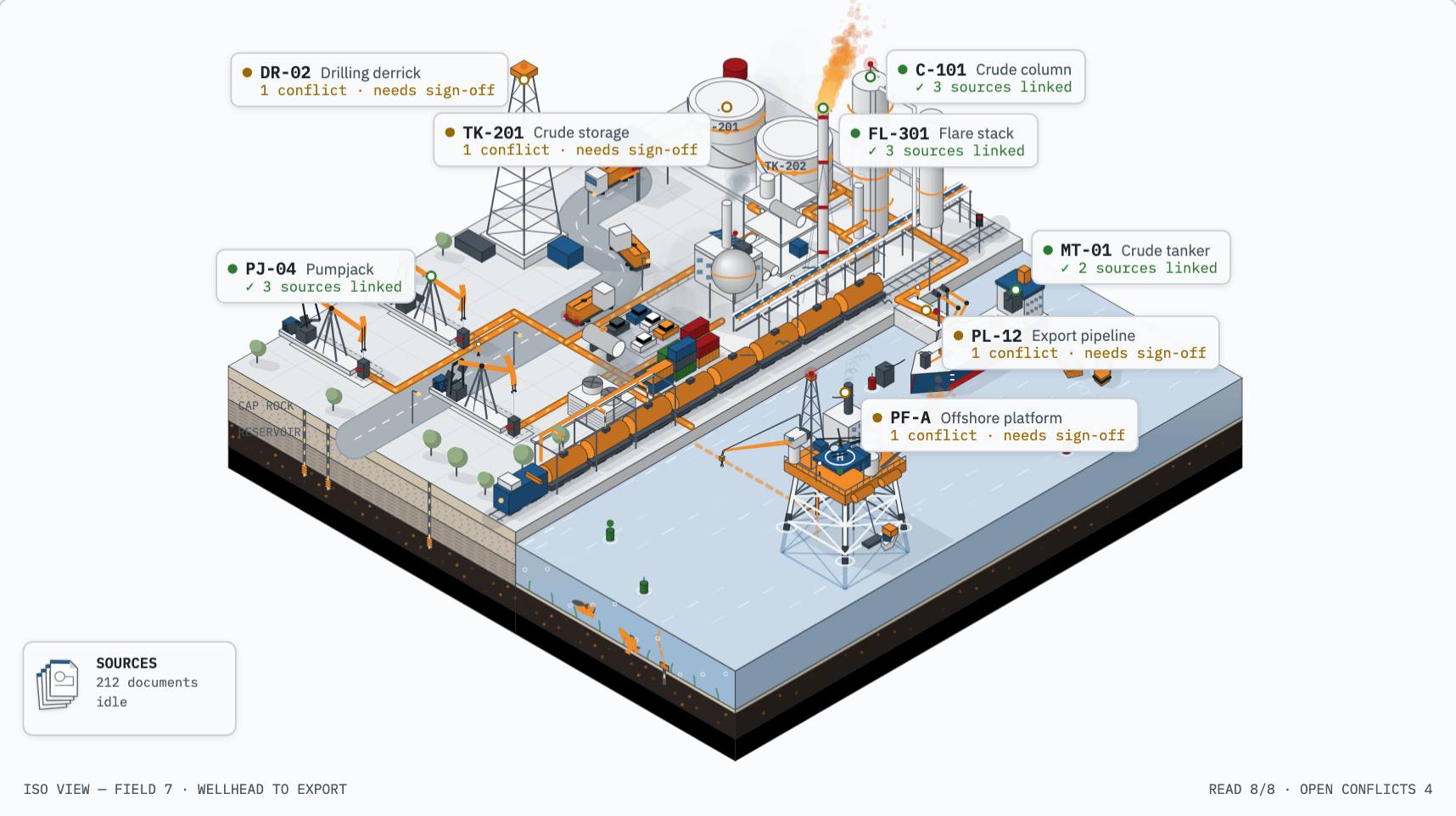
Plant facts are spread across P&IDs, datasheets and inspection reports, and they disagree. Kovalen reads them, shows every conflict, and prepares API 581 work for your engineers to sign off.
- Every value cited to its source page
- Conflicts never auto-picked
- API 581 risk-based inspection
- DEXPI and CFIHOS export
AI does the legwork, and engineers keep the authority.
Every value passes one gate before Kovalen trusts it: an engineer's sign-off. Select a step to see it in detail.
Every document, read and cited.
Upload drawings, datasheets and inspection records as they are, and get every value back linked to its source page.
- Design pressure
- 3,450 kPag P&ID · p.12
- Design temperature
- 120 °C DS · p.2
- Material
- SA-516 Gr.70 DS · p.2
Conflicts shown, never auto-picked.
Values are grouped by tag, and a value becomes trusted only when an engineer signs it off.
2 sources disagree
Waiting for an engineer to sign off
Trusted data, ready for RBI.
Signed-off values feed API 581 risk and inspection planning, with the evidence kept beside every result.
- Risk 3C · internal thinning
- Next inspection · 2029-03
- API 581 · Level 2 · Plan A

Engineers stay accountable for the decisions.
AI confidence never becomes plant truth. Every trusted value carries its source, a date and an engineer's sign-off.
Give Rusty the outcome. Review the work.
Ask Rusty to investigate, trace or prepare work. You see every tool it used and every source it cites, and every change waits for your approval.
Prepare V-9999 for API 581.
- Checking run readiness V-9999
- Reading corrosion rates CML-12
- Computing minimum thickness t_min
- Sign off preparation signed
- Run assessment V-9999
ApproveApplied ✓


Questions engineers ask first.
Which documents can Kovalen read?
P&IDs, datasheets, line lists, instrument indexes, inspection reports, thickness surveys and operating data, as PDFs (scanned or not) or spreadsheets. Every extracted value links back to the page it came from.
What happens when two sources disagree?
Kovalen shows the conflict with both values and their sources. It never picks one for you: a value becomes trusted only when an engineer signs it off, and that sign-off is dated and can be revoked.
Does the AI make engineering decisions?
No. AI reads, reconciles and drafts. Trusted values and consequential changes wait for an engineer's approval, and Rusty's changes arrive as proposals you review item by item.
Which RBI method does it use?
API 581 risk-based inspection, with Level 1 and Level 2 consequence analysis, run on signed-off data. The risk result and inspection plan keep the evidence they were built from.
Can I take my data out?
Yes. The trusted layer exports to DEXPI and CFIHOS, so signed-off plant data moves into the tools and handovers you already use.
What happens when I register interest?
We get in touch about early access and tell you when Kovalen launches. Your details reach us through Formspree, our form provider, and you can ask us to stop at any time.